Ecommerce ProfitCalculator: knowyour real profit
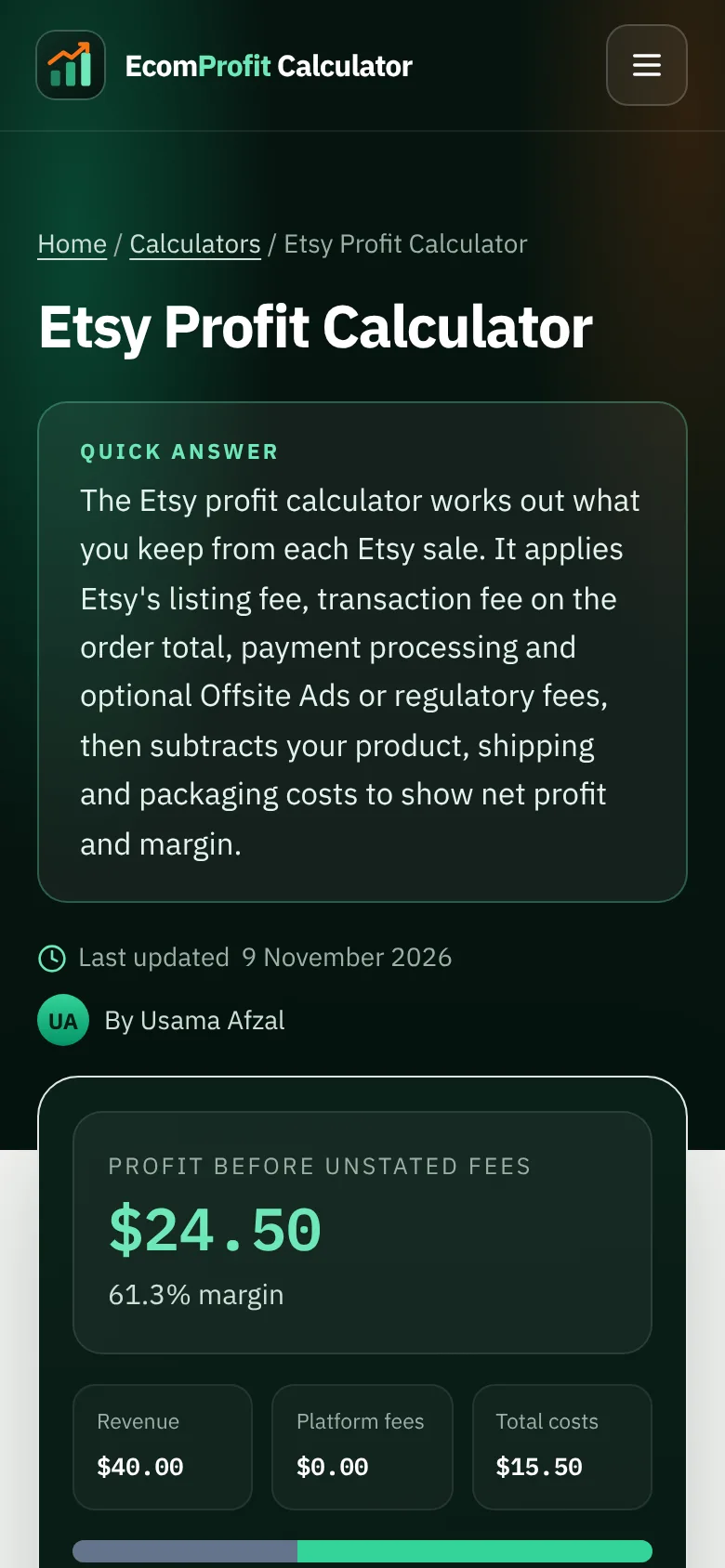
Enter your numbers
Type your price, product cost, shipping, packaging and ad spend. Every field explains what it means, and results update the moment you type.
- Works in 8 currencies
- Copy link saves your numbers
- Nothing is stored on our servers
Add your platform rates
Copy the fee rates from your seller account. Every fee links to the official Etsy, eBay, Amazon, Shopify or Walmart page, so you always know where a number comes from.
- Official source under every fee
- Unverified rates clearly marked
- Fees, costs and profit shown separately
See your real profit
Net profit, margin, a visual breakdown and the exact formula. Then compare platforms, price for a target margin or check your break-even ROAS.
- Margin donut and breakdown bar
- Formula and worked example on every page
- 16 calculators, all free
A real profit tool on every screen
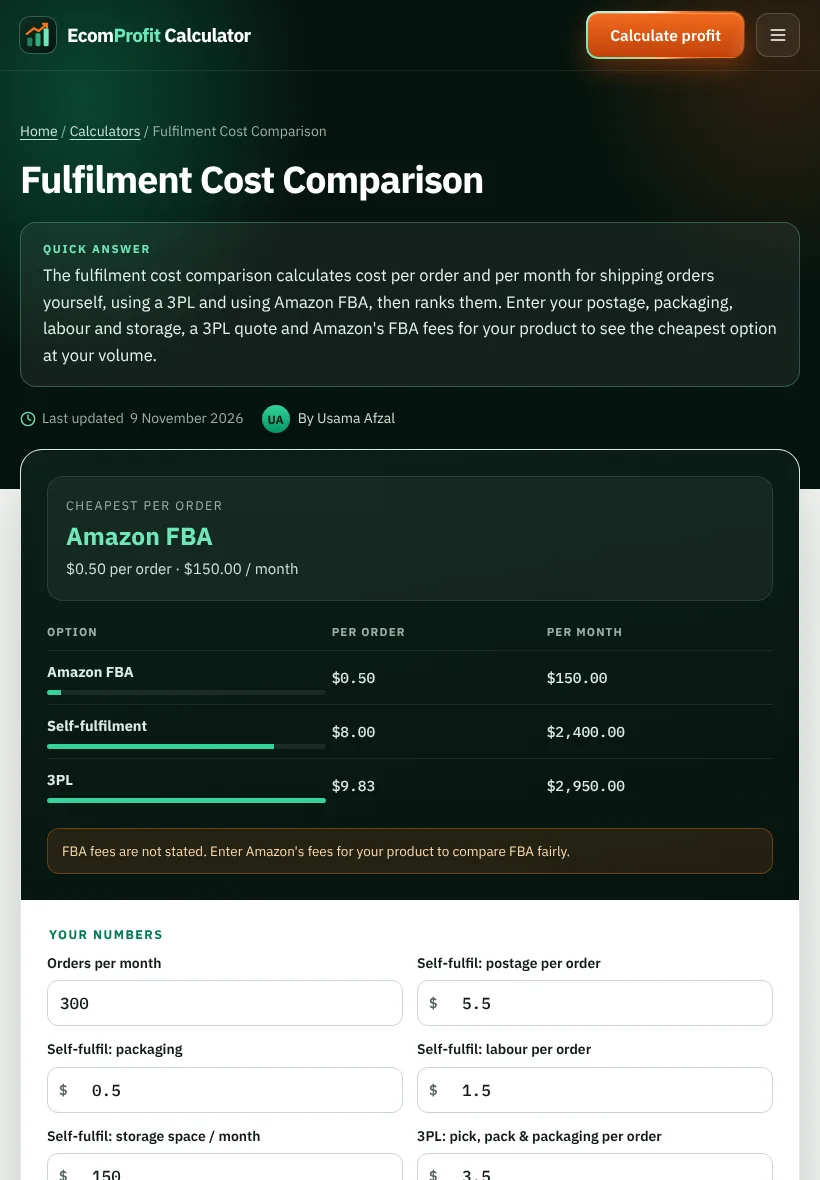
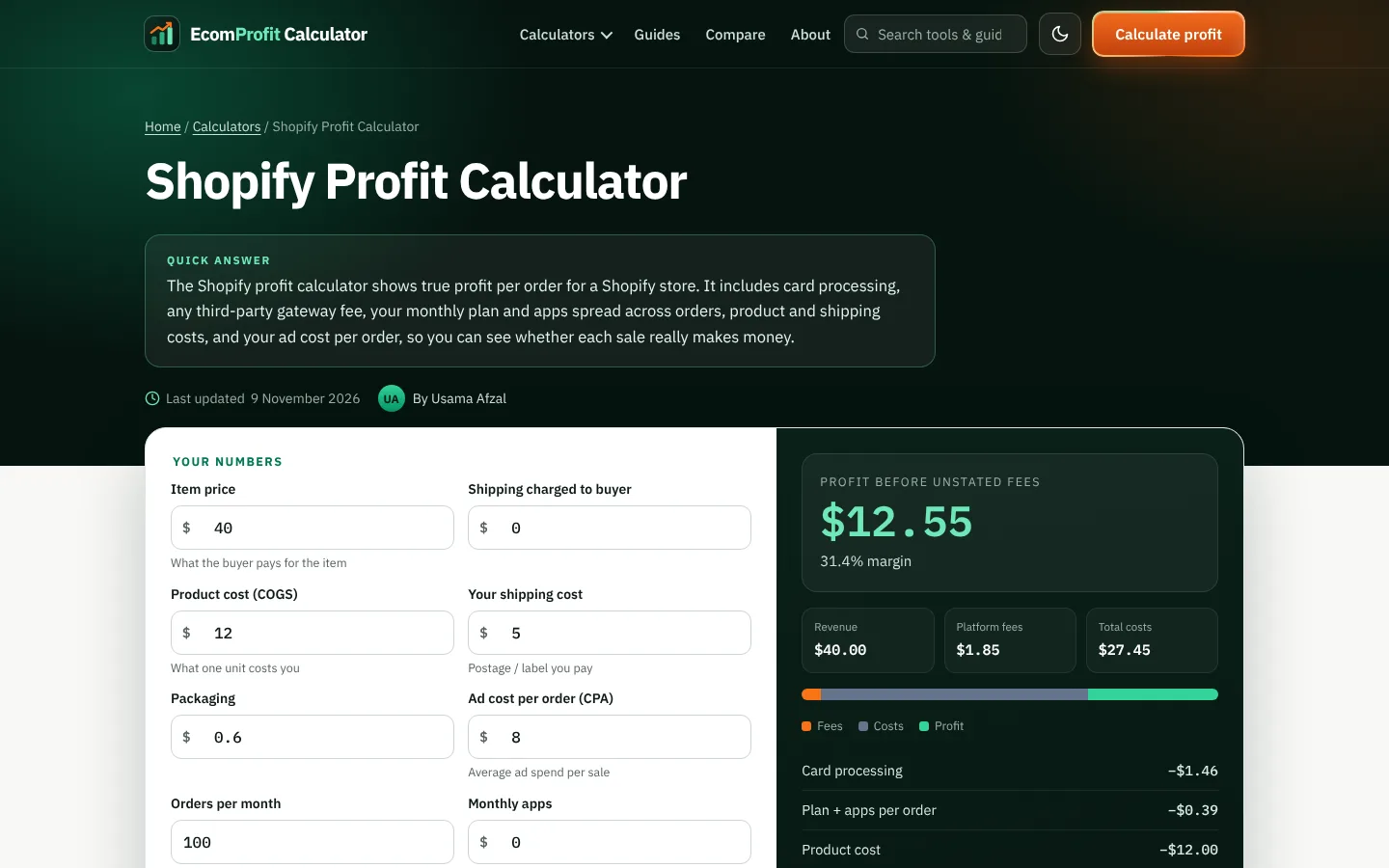
Live calculators that look and feel like professional software, on your laptop, tablet and phone.
How the Ecommerce Profit Calculator works
Worked example
Example seller numbers: item price $40.00, shipping charged to buyer $0.00, product cost (cogs) $12.00, your shipping cost $5.00, packaging $0.50, ad cost per order $0.00. Fields that need your own provider rates are left empty and count as 0.
| Revenue | $40.00 |
| Product cost | −$12.00 |
| Shipping cost | −$5.00 |
| Packaging | −$0.50 |
| Net profit (56.3%) | $22.50 |
How to use the Ecommerce Profit Calculator
- Enter your price and costs in "Your numbers"
- Fill in the remaining fields for your business
- Read your result: profit, margin and breakdown update instantly
- Use Copy link to save or share your numbers
Ecommerce Profit Calculator FAQ
How do I calculate ecommerce profit?
Take what the customer pays (price plus shipping charged), then subtract platform and payment fees, product cost, shipping, packaging and ad cost per order. What's left is net profit; divide it by revenue for your margin.
What is the difference between profit and profitability?
Profit is the money left from a sale. Profitability is profit relative to revenue (your margin), which lets you compare products and platforms.
Which costs do sellers forget most?
Payment processing fees, packaging, returns and advertising. Add all of them to see your true margin.
Sources
This calculator uses standard formulas only and no platform fee rates. Formulas are explained in our methodology.
Related calculators
Related guides

A calculator for every platform
Dedicated pages for Etsy, eBay, Shopify, Amazon and Walmart, plus margin, ads, pricing and fulfilment tools.
Transparent by design
Formulas on every page
Every calculator shows its formula and a worked example.
Official sources
Every fee links to the platform's own page, with the date we verified it.
No invented numbers
If a rate isn't verified, we say "not stated" instead of guessing.
Private
Calculations run in your browser. Nothing is stored.
Learn to price and profit